

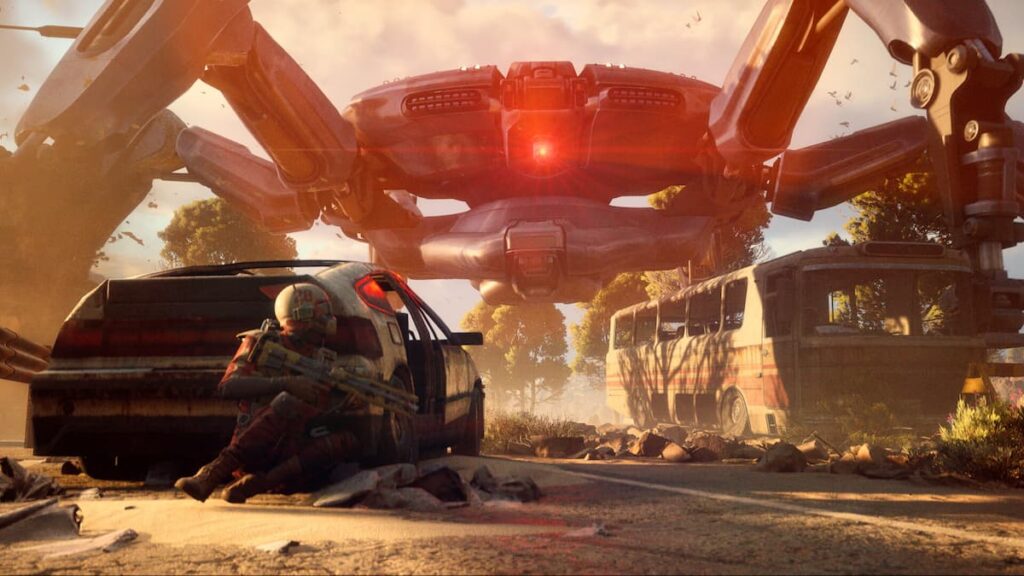
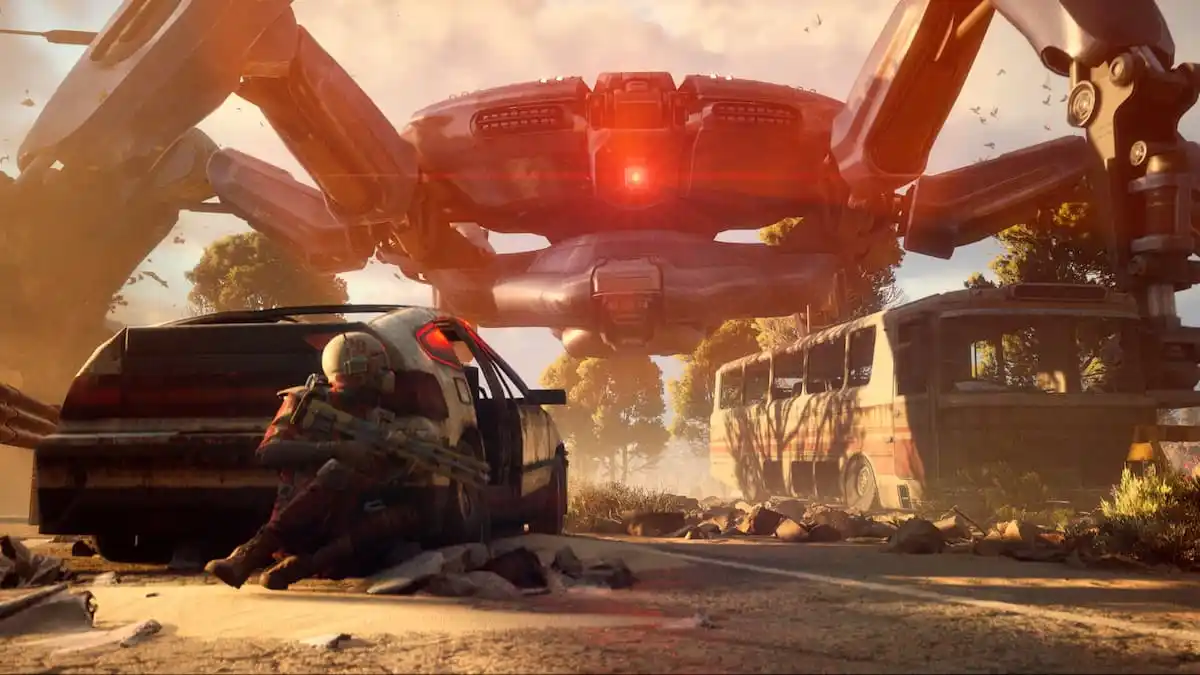
As an online-only game, ARC Raiders sometimes runs into network issues, causing players to lag, fail to connect, or enter long queues that can last for an hour or more.
One error that crops up every now and again is the ARAU0297 error, which indicates severe connection issues that are preventing your internet from establishing a connection with the game’s servers.
So, here’s how you can try to fix it.
ARAU0297 error in ARC Raiders, explained
The ARAU0297 error seems to appear every time something is happening to ARC Raiders‘ servers on the back-end. This indicates that it isn’t you who should be fixing the problem but rather the developers, who maintain a healthy communication with players on the official ARC Raiders Discord, alongside other platforms.
If developers have indicated that there is indeed an active server disruption, which we follow in our dedicated server status article, then you don’t need to be fixing anything, as the devs will be doing it for you in due time. Simply close the game and wait it out.
If there is indeed no active server disruption, and it’s just you having trouble, then this one fix could do it for you on PC and some other platforms. Users report that ARC Raiders can get confused if your time zone settings are incorrect, which isn’t unique only to this game, as other services tend to bug out for the same reason.
To apply this solution, do the following (for Windows users):
- Close ARC Raiders.
- Close Steam fully.
- Go to the bottom-right corner of your screen and right-click your time and date.
- Select Adjust date and time.
- If it’s checked, uncheck Set time zone automatically, or check it if it’s off.
- If it’s greyed out, go to Location settings above it and enable them, which’ll allow you to check the setting.
- Re-enable it if you’d checked it off.
- Do the same for Set time automatically.
- Run Steam with administrator privileges.
- Try playing ARC Raiders again.
Some users reported that setting the correct time zone fixed the error code above, as inaccurate time and date settings can and will cause problems with various online services, apparently including ARC Raiders. Restarting your device, contacting your ISP, or speaking with Embark’s support are further steps if nothing else helps.
The post How to fix ARAU0297 error in ARC Raiders appeared first on Destructoid.